
Where do construction companies struggle most?
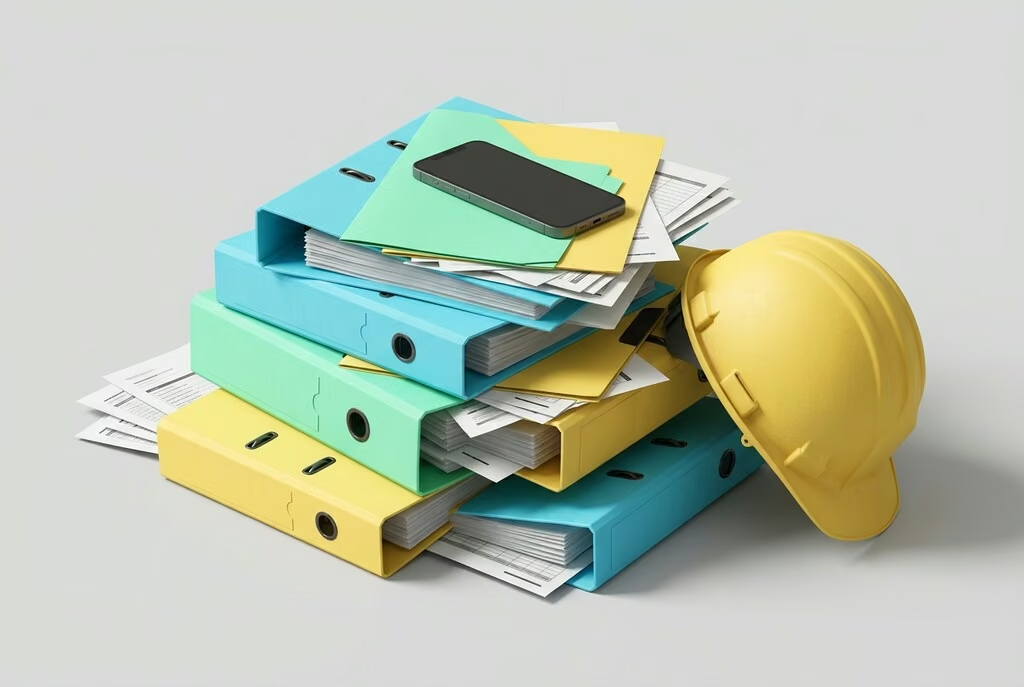
Many construction companies have grown over the years, and so have their tools. A typical setup combines industry software for estimating, spreadsheets for staff and equipment, binders for contracts and certificates, and messenger groups for coordinating with the site. Everyone in the business knows the consequences:
- Data is maintained several times, and nobody knows for sure which list is current.
- Information reaches the site too late or not at all, and follow-up questions cost time.
- Certificates are missing at the crucial moment, such as qualifications, safety briefings or work permits.
- Equipment is hard to track: who has which laptop, which gear, which vehicle?
- New employees take a long time to get all their access, documents and information.
Which software do construction companies need?
| Area | Typical tasks | Common solution |
|---|---|---|
| Estimating and tendering | Quotes, bills of quantities, change orders | Established industry software |
| Accounting and payroll | Invoices, payroll, taxes | Off-the-shelf software |
| Projects and sites | Planning, site diary, defects, photos | Industry software or your own platform |
| Staff | Onboarding, documents, qualifications, scheduling | Often spreadsheets and binders, well suited to a custom solution |
| Equipment and assets | Issue, return, maintenance | Often lists, well suited to a custom solution |
| Documents | Contracts, plans, certificates with versions | File storage or part of a platform |
Not everything has to be built from scratch. Mature solutions exist for estimating, accounting and payroll. The biggest time sinks usually lie in between: in the processes no software covers properly, and at the handovers between systems.
Industry software or your own platform?
Industry software fits when your processes follow the industry standard and one product covers most of them. Getting started is quick, and updates come from the vendor.
Your own platform pays off when many separate tools need to come together, when you have processes that set you apart from competitors, or when employees, subcontractors and clients with different roles need access to the same data.
The combination often makes the most sense: the proven industry software stays, and your own platform brings together staff, equipment, documents and projects and exchanges data via interfaces.
What should you look for when choosing?

- Mobile-ready: Site managers and foremen work on site, not at a desk. The software has to work on smartphones and tablets.
- Easy to use: If an entry takes longer than a phone call, people will call. A few clear steps matter more than many features.
- Roles and permissions: Everyone sees what they need, from the office to the site to clients and partners.
- One login for everything: A central login instead of many passwords lowers barriers and support effort.
- Interfaces: Data from estimating, accounting or time tracking shouldn't have to be retyped.
- Data protection: HR and health data require careful handling under the GDPR, including a permissions concept.
- Growth: New modules should be easy to add later without starting over.
How does a rollout succeed?
- Start with the biggest pain point. An area that costs noticeable time today is the best first building block.
- Involve users early. Site management, HR and the office know best what helps in daily work.
- Start small and expand. A first module that works builds trust for the next ones.
- Retire the old lists. Parallel spreadsheets quickly lead back to the old chaos. Set a date from which the new solution applies.
- Train and listen. Short on-site introductions and an open ear for feedback in the first weeks make the difference.
Common mistakes when digitalising construction
- Software for the office, not for the site. If site managers have to go back to the site office to enter something, they'll stick with paper.
- Too many tools at once. Every new program brings logins, training and change effort. Better one building block after another.
- Keeping old lists going. If Excel and new software run side by side, soon nobody knows which one is right.
- Forgetting subcontractors and clients. Much coordination crosses company boundaries. Ignoring that creates new gaps.
- No one in charge. Without someone in the company driving the rollout, it fizzles out in day-to-day business.
Checklist: taking stock before you start
- Which programs, spreadsheets and folders do you use today, and who maintains them?
- Which information is entered several times or retyped?
- Where are there regular follow-up questions between office and site?
- Which records must you be able to produce at short notice, and how long does that take today?
- Who should have access to what in future: office, site management, foremen, subcontractors, clients?
- Which existing software has to stay and be connected?
These answers quickly show which building block makes the biggest difference.
What about BIM?
Building Information Modelling (BIM) means planning, building and operating a structure based on a shared digital model. BIM is increasingly required for public infrastructure projects. For many mid-sized construction companies, though, digitalisation starts earlier: with staff, equipment, documents and coordination with the site. The two don't exclude each other. A custom platform can exchange data with BIM tools later on.
The German federal initiative BIM Deutschland gives a good overview of BIM. In Germany, the Mittelstand-Digital centres also offer free, vendor-neutral support for digitalisation in SMEs, including a centre dedicated to construction.
A real-world example: KBH Hub
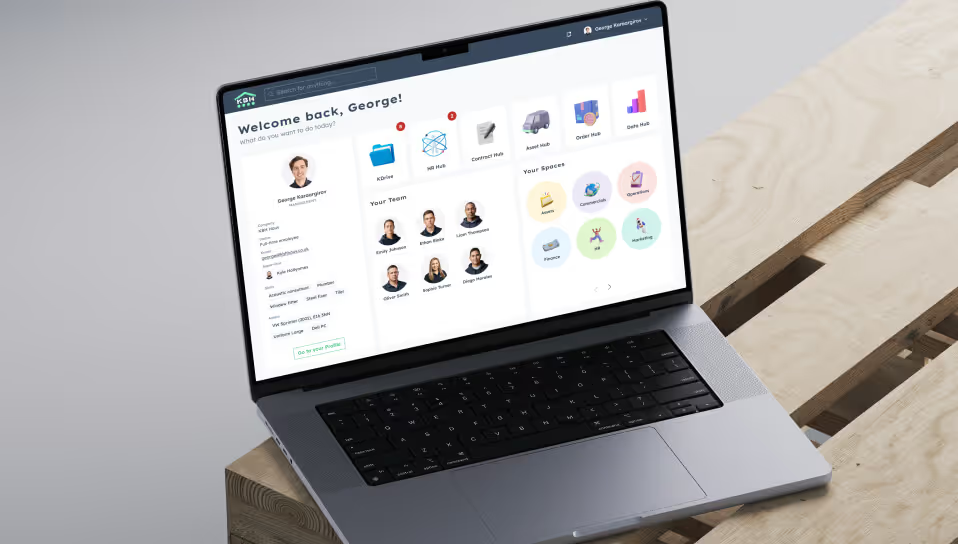
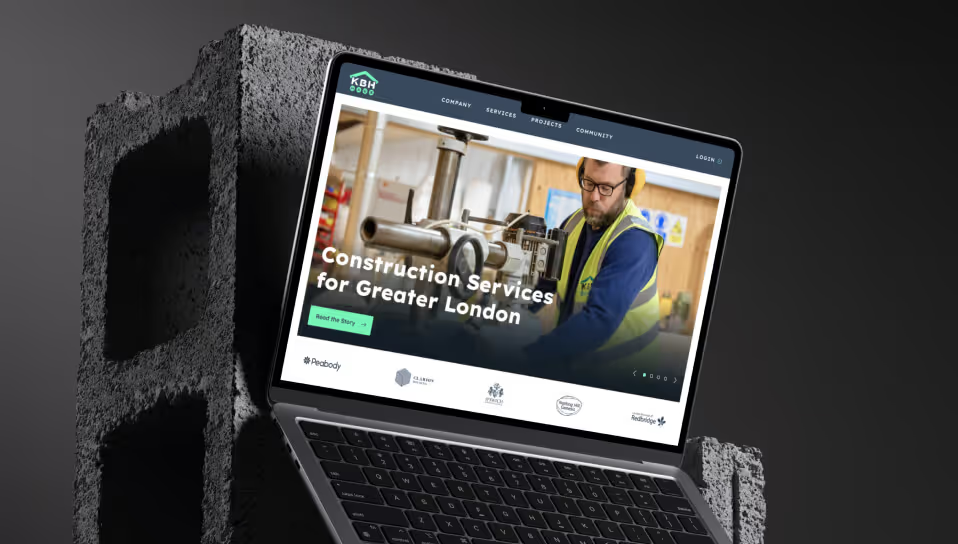
For the construction company KBH Haus, we developed KBH Hub, a modular platform that brings previously separate tools together under one interface. Employees and clients get one central login and see the areas that match their role. In the HR Hub, HR checks during onboarding whether all documents are in place, manages qualifications and collects consent to legal documents with one click. An Asset Hub manages equipment such as laptops or uniforms, a Contract Hub assigns teams to projects and contracts, and a dedicated document store comes with version control. Further hubs are planned, and the platform grows with the company.