
What's the difference?
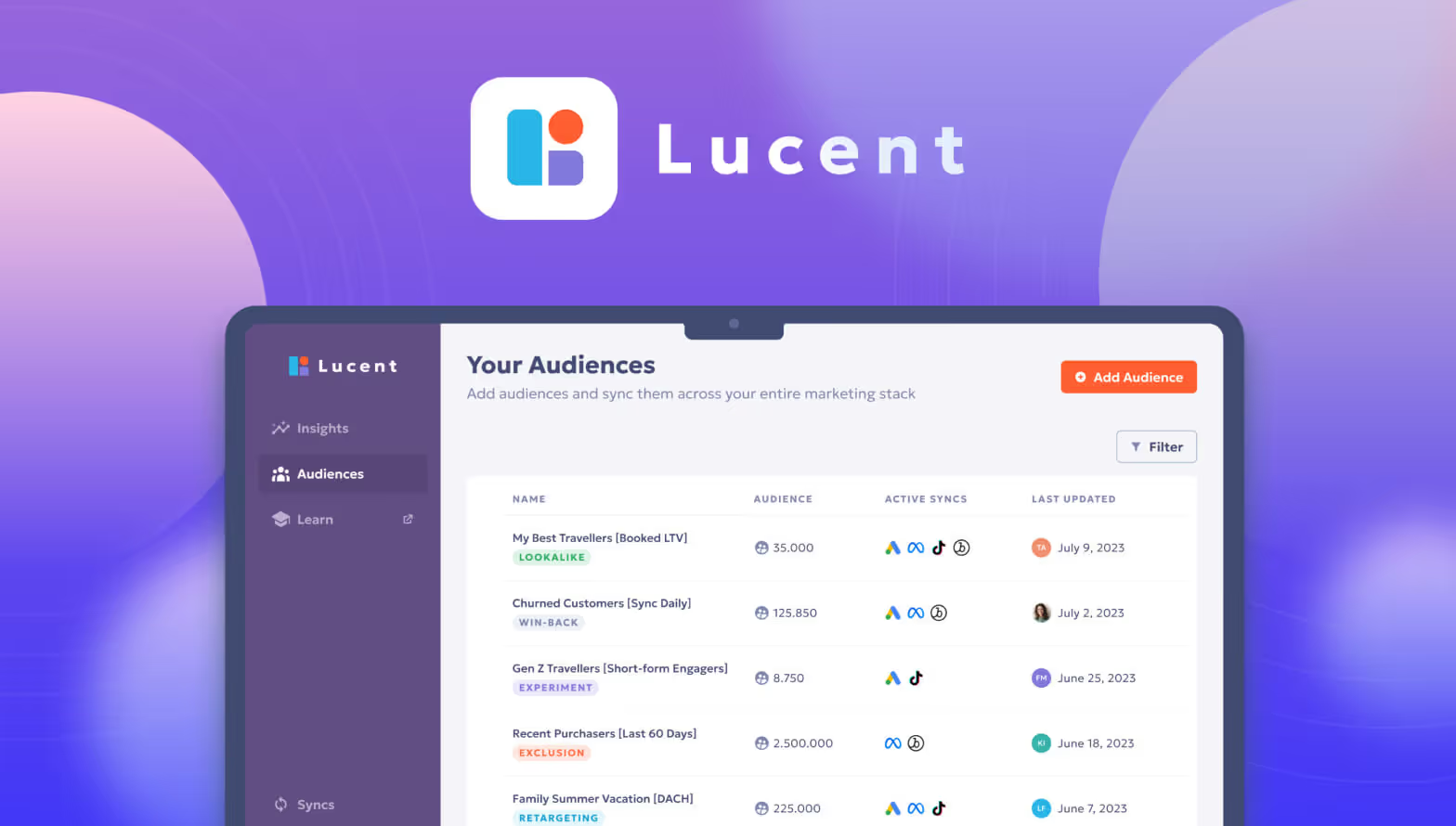
Off-the-shelf software is developed once and sold to many companies, today usually as a browser-based subscription (software as a service, or SaaS). Examples include accounting programs, CRM systems and project management tools. You use what the vendor offers and partly adapt to its way of working.
Custom software is developed for one specific company and its processes. You own it, it does exactly what you need, and it can evolve at your pace. In return, you bear the costs of development and maintenance yourself.
The comparison at a glance
| Criterion | Off-the-shelf software | Custom software |
|---|---|---|
| Start | Immediately or after short setup | After concept and development |
| Upfront cost | Low, usually a license or subscription | Higher, development is paid once |
| Running costs | Licenses per user, rising with your team | Hosting, maintenance, further development |
| Fit with your processes | Partial, you adapt | Exact, the software adapts |
| Further development | On the vendor's roadmap | On your priorities |
| Dependency | On the vendor, its prices and plans | On the development partner, if poorly documented |
| Competitive advantage | Low, everyone uses the same | Possible, if the software reflects what makes you different |
When is off-the-shelf software the better choice?
- The task works the same way in almost every company, for example accounting, payroll, email or video calls.
- You need the solution quickly and have no special requirements.
- A product on the market covers most of your requirements, and the gaps are small.
- Legal requirements change often, and the vendor keeps the software up to date.
When does custom software pay off?

- Your processes are part of what sets you apart from competitors.
- Your team works around the existing software with spreadsheets, workarounds and duplicate data entry.
- Several separate tools should come together under one interface, with one login and shared data.
- You want to offer your customers a digital platform of your own.
- Per-user license costs become a major expense as your team grows.
Is there a middle way?
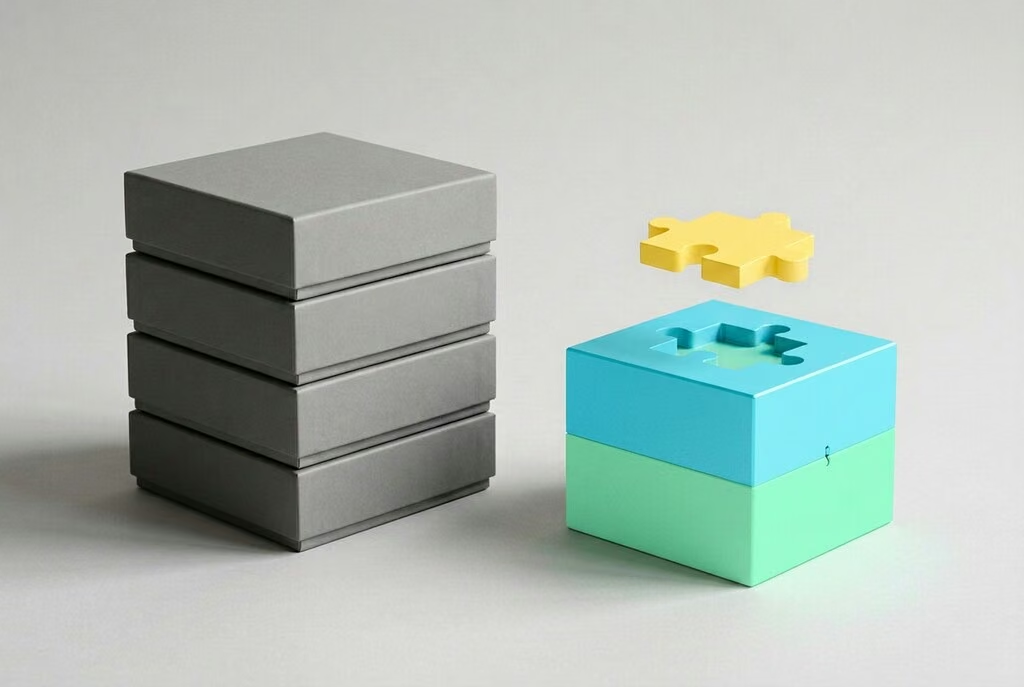
Yes, and it's often the best one. You use off-the-shelf software for everything standard and add custom modules where it matters. Interfaces (APIs) connect both, so data is only maintained once.
An example: accounting stays in the proven program. A custom customer portal shows orders and documents and automatically passes invoice data to accounting. That way, you only pay for development where it adds real value.
Five questions for your decision
- How unique is the process? If it works the same way at other companies, that points to off-the-shelf.
- How much time do workarounds cost today? Estimate the hours per week your team spends on them.
- How do costs develop over several years? Compare license costs with a growing team against development plus maintenance.
- How important is control? Do you need influence over features, data storage and timeline?
- Who maintains the solution? Clarify in advance who handles updates, security and further development.
How to compare costs over several years

The entry price is often misleading for this decision. A comparison of total costs over three to five years is more meaningful. These items belong in it:
| Item | Off-the-shelf software | Custom software |
|---|---|---|
| Start | Setup, configuration, data migration | Concept, development, data migration |
| Ongoing | Licences per user, add-on modules, price increases | Hosting, maintenance, security updates |
| Growth | More licences for more users | Development of new features |
| Hidden costs | Time spent on workarounds and duplicate data entry | Dependency if documentation is missing |
| Exit | Data export and migration | Handover to another partner |
Fill in your own assumptions for both options, especially the number of users today and in three years, and the time your team spends on workarounds today. Often only this table shows which option makes more economic sense.
Common decision mistakes
- Comparing feature lists only. Whether software fits everyday work shows in the processes, not in the number of ticks.
- Customising off-the-shelf software too heavily. Lots of special adjustments make updates expensive and cancel out the benefit of a standard product.
- Custom software without a maintenance plan. Your own software needs updates and someone to look after it too.
- Not checking data export. If you can't get all your data out, you're tied to the provider.
- Starting too big. With custom software: build the most important features first, then expand.
Checklist for contract and partner
- You receive the rights to the source code, or at least comprehensive usage rights.
- The code lives in a repository you have access to.
- The software is documented so that another team could take it over.
- It uses common technologies with enough developers available.
- Maintenance, security updates and response times are agreed.
- For off-the-shelf software, a complete data export in an open format is possible.
On the last point, the EU Data Act has helped since September 2025: it requires providers of cloud services, which include many software subscriptions, to let customers switch to another provider and hand over their data for that purpose.
How we support you
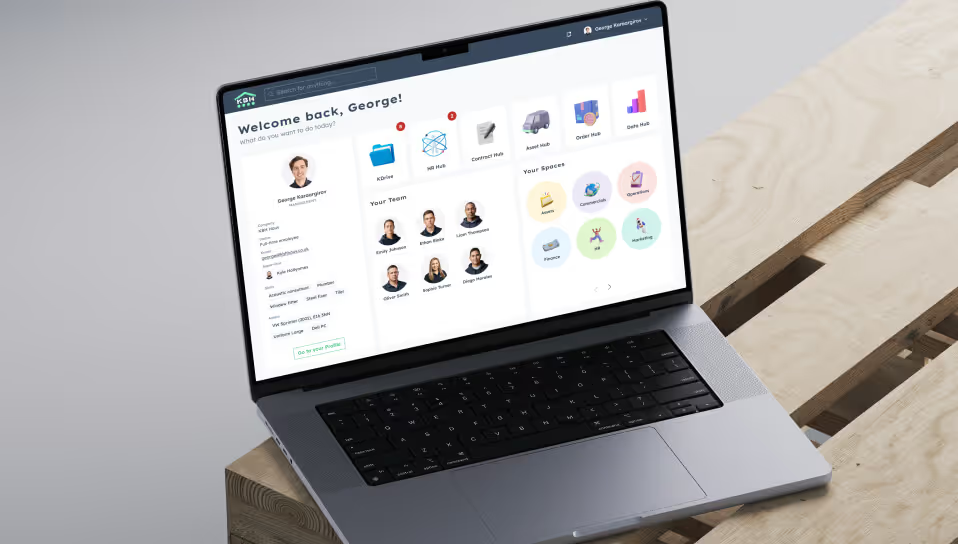
We advise independently of vendors and also recommend off-the-shelf software when it's the better solution. When custom software makes sense, we build it as modern web software that grows step by step. One example is KBH Hub: instead of many separate internal tools, KBH Haus now works with a modular platform that brings roles, projects and documents together under one interface.